Creating a Children's Story with AI -A Step by Step Guide-
Creating a Children's Story with AI -A Step by Step Guide-

This archive includes automatic translations. Audio, video and text inside images remain in their original language.
Written by Rocío Mateos | October 2023
In this era of clicks and keyboards, AI tools are changing the game of content creation. AI is not only putting its circuits into industry and science, but it is also turning the creative world on its head.
In this article, I'll take you by the hand (virtually, of course!) through the process of creating a children's story about AI, using tools like ChatGPT, MidJourney, Canva AND Genny.
Algorithms and adventures! When AI decides to tell us stories
-An AI story, made by AI!-

Before you jump into the void, stop for a moment. What do you want to do? Who are you addressing? Where will you show it? And, most importantly, have you asked ChatGPT yet? Because, come on, you don't have to do all the work yourself.
Our first piece of advice is to arm yourself with patience, ChatGPT is a great companion, but it is not a fortune teller (although almost!). A good initial talk is essential.
Do you already have the spark of your idea? Brilliant! How formed is it? In our case, we were very clear: we wanted a story that unravels the history of AI for the little ones. But, between you and me, we had no idea how to start. So we thought: Who better to tell us the story of AI than AI itself?
Part 1: Ideating with ChatGPT
Let's get to work. The first thing was to give context to ChatGPT. We asked him to give us a summary of the history of AI. And, well, the magic began!
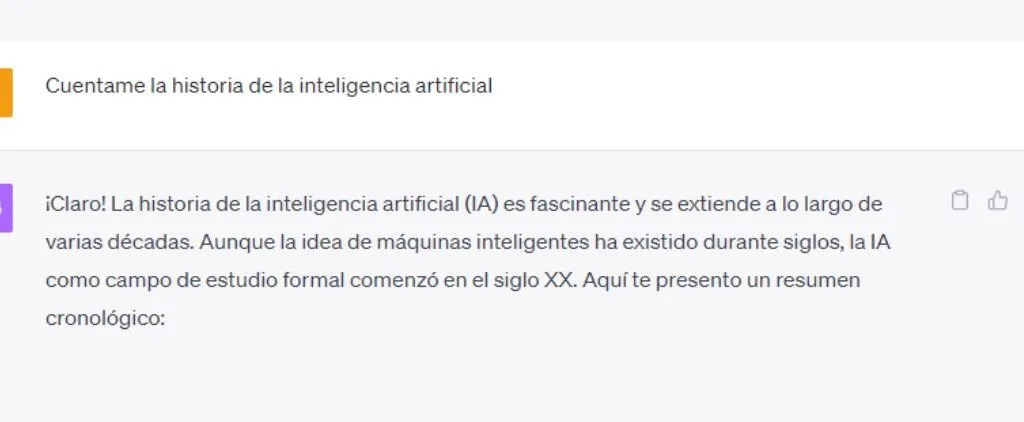
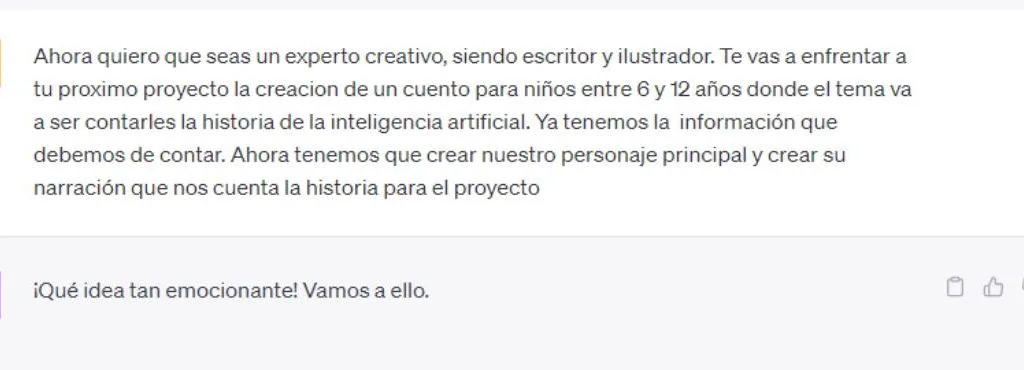
Once ChatGPT knows that we are in “AI story for kids” mode, the magic begins. But be careful! Don't expect me to tell you a fairy tale with dragons and princesses (unless you want to mix AI with dragons, which sounds epic).
We ask him for characters and, bam!, he introduces us to Ada, a curious girl, and Turing, a robot shaped like a teapot. Yes, you read that right, a teapot! Who would have thought a teapot could be so charismatic?
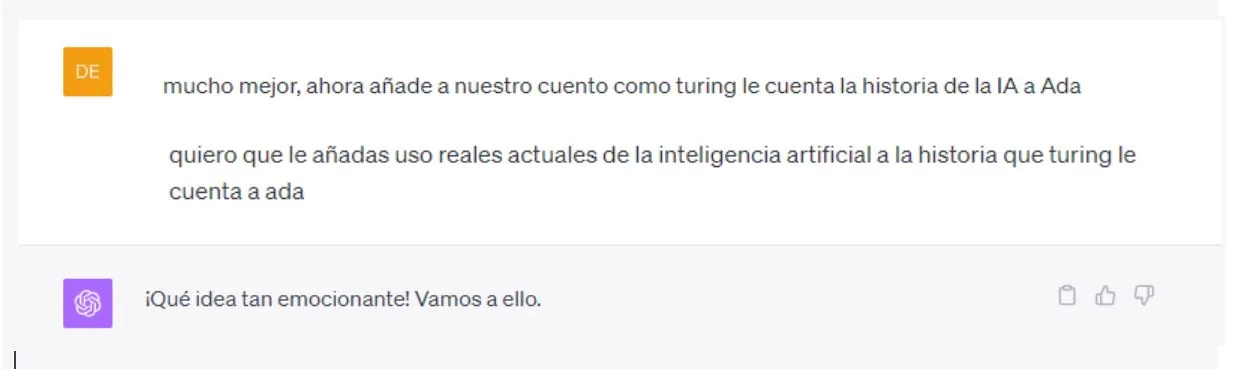
But every artist who considers himself good doesn't stick with the first idea, so we continue the conversation and that's when you give ChatGPT a clear mission, it gets going. Imagine it's like a Hollywood screenwriter, but without the coffee and the sleepless nights.
With several more indications, ChatGPT created the entire story, gave us scenarios, situations and even dialogues, all separated into scenes! It was like having a team of writers in one tool, all working in unison to bring this story to life.
2nd part: Visualization with MidJourney
With the plot in hand, we realized that a story without pictures is like a pizza without cheese, it's just not the same!
And this is where MidJourney becomes our visual superhero.
Think of MidJourney as that friend who has an endless collection of photo albums and always finds the perfect image for any situation. No, it's not an army of robots searching for photos (although I admit that image is pretty cool), but it is a powerful tool that uses AI to find the images that best fit your descriptions.
But be careful! Although MidJourney is not ChatGPT, we could say that they are like dirt. It's not enough to vaguely tell him what you want. You have to describe it in detail, immerse yourself in the emotions you want to convey and play a little with the tool. It's like a tango: it takes time to learn the steps, but once you do, it's a beautiful dance.
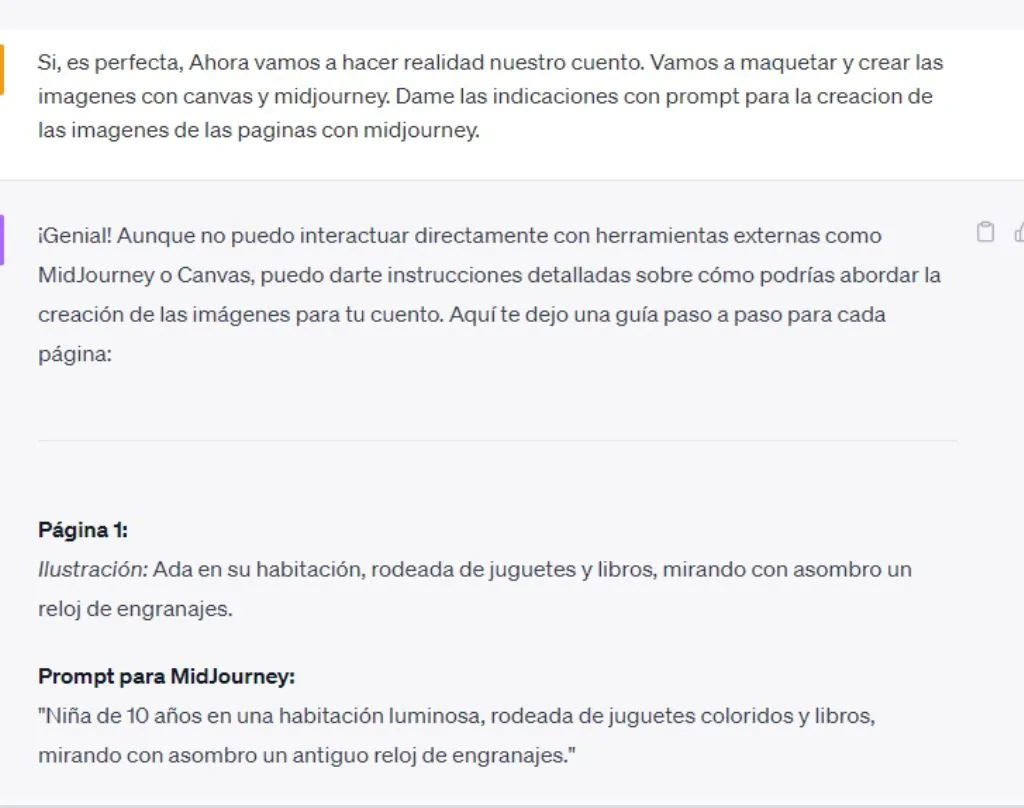
But you may wonder... And how do I know what instructions I have to give him? Well, simple! For that we have ChatGPT. Ask me to provide you with detailed prompts to guide you in your image search.
To access your gallery we must do so through Discord.
Don't stress, it's much easier than you think. First we access their website.
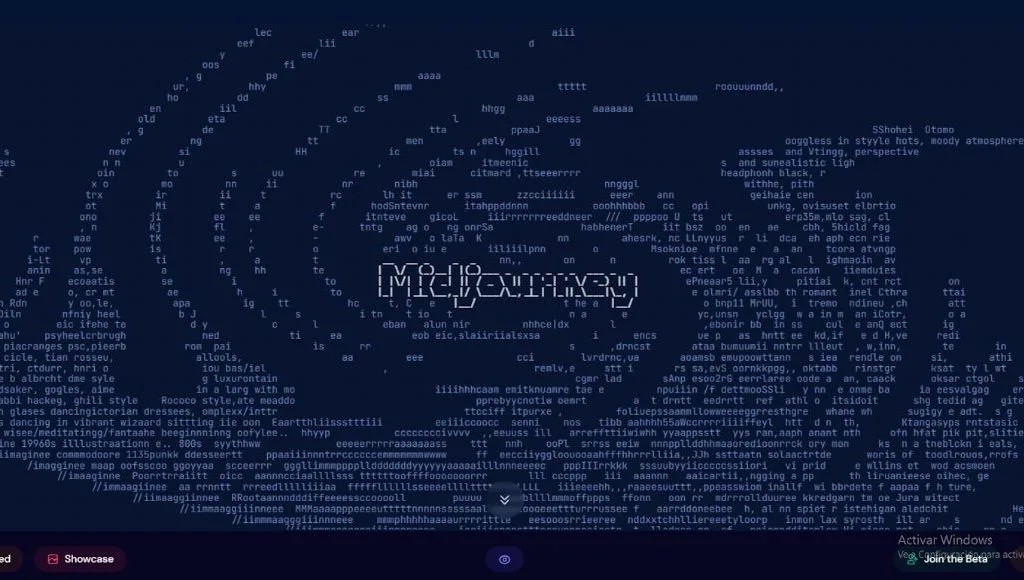
Then, click on the option to try its beta option and it will redirect you to Discord. Here you just have to join their rooms by logging into your account. Be careful, this option is paid! You will only be able to join if you previously paid for a subscription with the same email.
But well, assuming that you are the number one AI fan, you are surely already registered.
Once inside the room, all we have to do is create.
We write »/imagine.prompt » and the definition that ChatGPT has given us (if it is English Midjurney will work much better)

In just a few seconds Midjurney already gives us four options. (A tip. You are in an open room where many more people like you are using this wonder, be careful or you will lose your images among so many people).
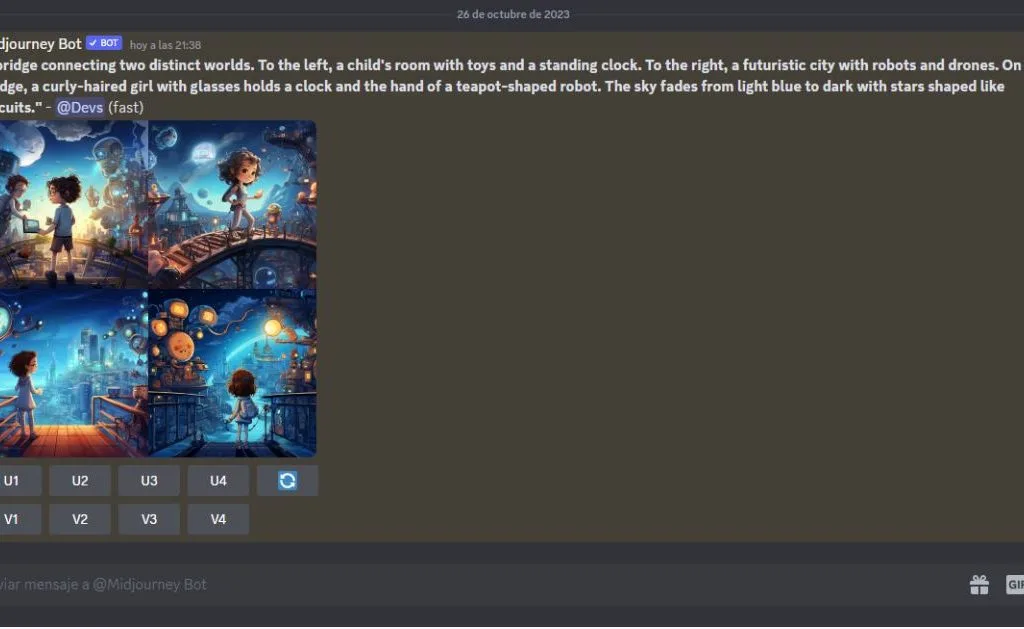
With our four options, we only have to decide which one we like or if we want a version of a specific one, or that... Midjurney presents four more options again.
In our case, we were clear, we stayed with the U4 option.
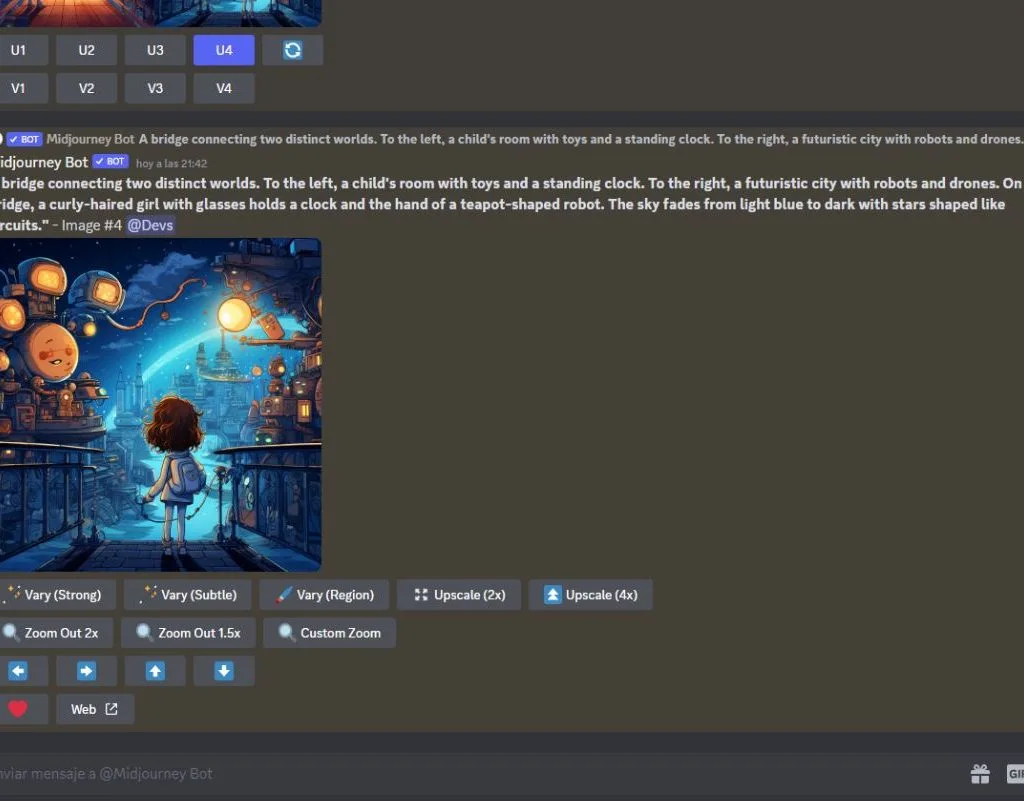
And, like the faithful companion that never leaves you hanging, MidJourney allows us to modify the image with several options. Just try them all to see which one you like best!
Part 3: Design, design, design with Canva!
With images and text in our arsenal, it was time for everything to come to life and shape. And this is where Canva comes into the picture, like that design superhero that appears just when you need it. Imagine having a renowned graphic designer in your pocket, always ready to help you, but without the endless talks about "the essence of art."
The first thing we did was dive into the vast world of templates that Canva offers. From minimalist designs to the most colorful and extravagant, there is something for everyone! We chose one that suited the tone and style of our story.
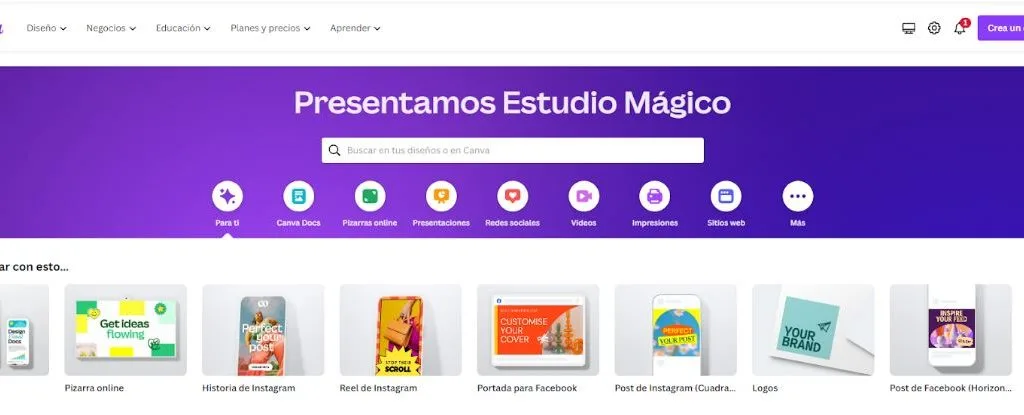
Then, with a simple drag and drop, we put the images into place. We added the text, played with different fonts until we found the one that screamed “this is a story about AI!” and we adjusted the colors so that everything harmonized.
But Canva isn't just about drag and drop.
It allowed us to experiment with effects, shadows, and even add small details that made our story shine.
And so, after some adjustments and tweaks (and maybe a couple of coffees), we had on our hands a visually attractive story, ready to capture the imagination of children and, yes, let's face it, the not-so-children too.
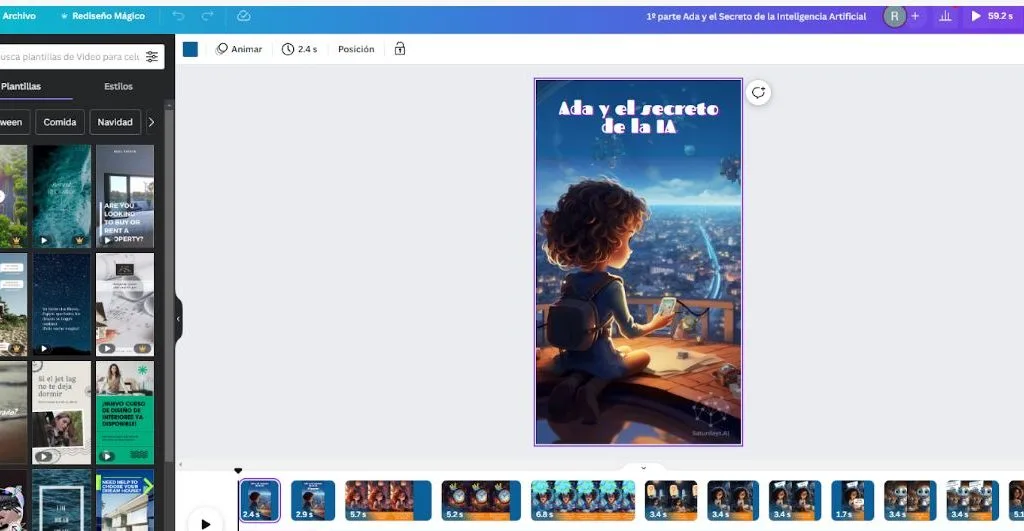
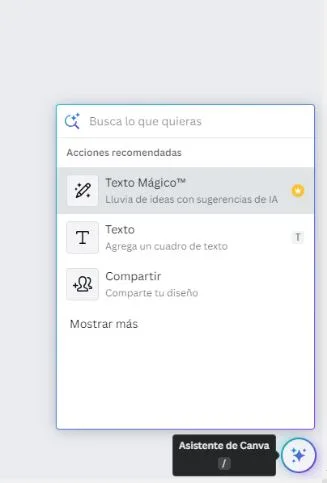
Canva gives you a wide variety of options to edit your content your way, it uses a very user-friendly interface. Without knowing anything, you learn in 5 minutes! And if by chance... it offers you guided help with its incorporation of its own AI.
Part 4: Giving voice to the story with Genny!
Once we had our story visually ready, we realized that something was missing: the sound! And not just any sound, but the voices of our beloved characters. This is where Genny, the wonderful voice generation tool, comes into action.
Imagine having an entire cast of voice actors at your disposal, ready to bring your characters to life. That's Genny. With its advanced AI technology, we were able to select different tones, accents, and voice styles that suited each character's personality.
And I have news, which I know you're going to love, Genny offers different plans, offering one completely free! a wonder, right?
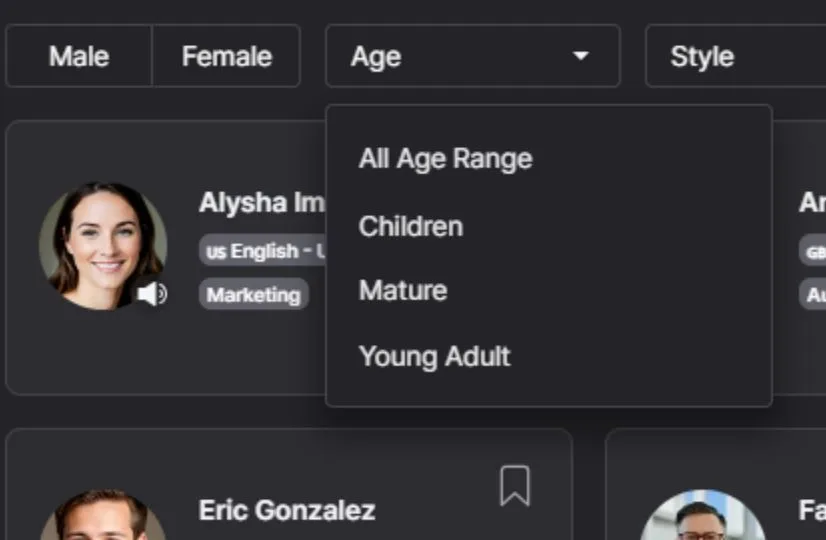
The first thing we did was select the tone and style of voice for each character. Best of all, Gunny allows you to search by language, gender, project type, even voice style.
Do you want me to sound angry? Curious?
Well, you just have to look for the option that best suits what you are looking for.
In our case, we were first looking for a voice for Ada. Our character is young and curious so he needed a soft voice full of wonder. Turing, the teapot-shaped robot, required something more mechanical but still warm and friendly.
With the voices selected, we introduced the text of our story into Genny. And, as if by magic, Genny returned us an audio file with our narrated story, with each character speaking in their unique voice.
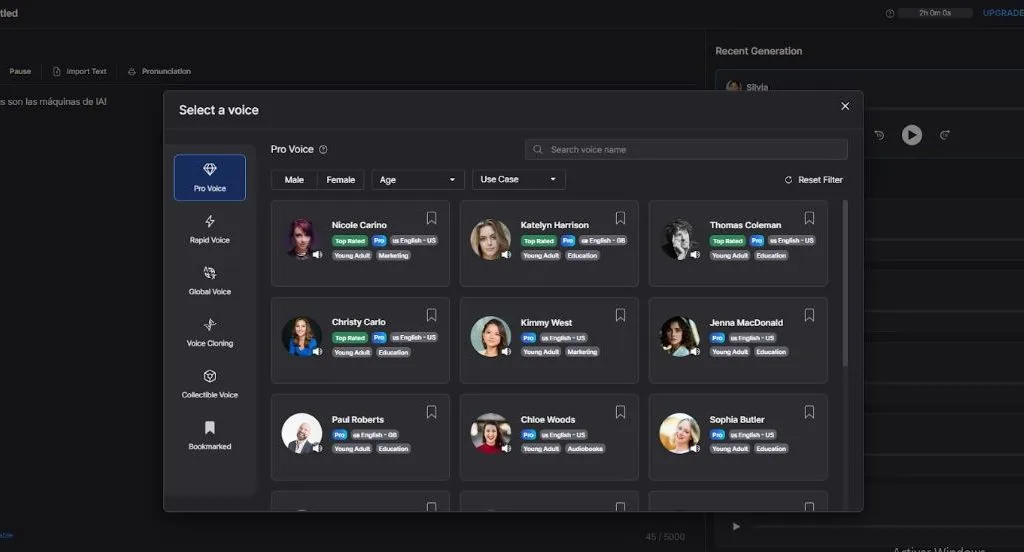
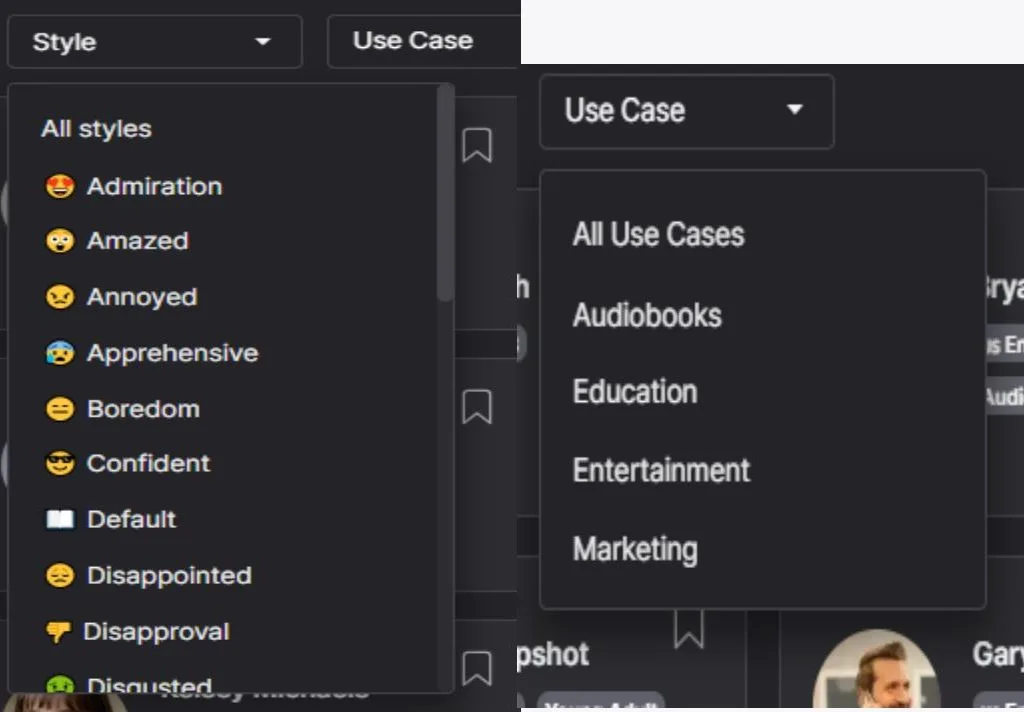
In the end, with Genny, we not only had a story, but an immersive experience that could be both read and listened to. A true multimedia gem that made us think: “Wow, AI can really do magic!”
Once the audios were downloaded, the only thing left to do was enter them into Canva.
To do this, you simply click on the option to upload your audio, and when the file loads, you drag it to the slide and the timeline with your audio is created.
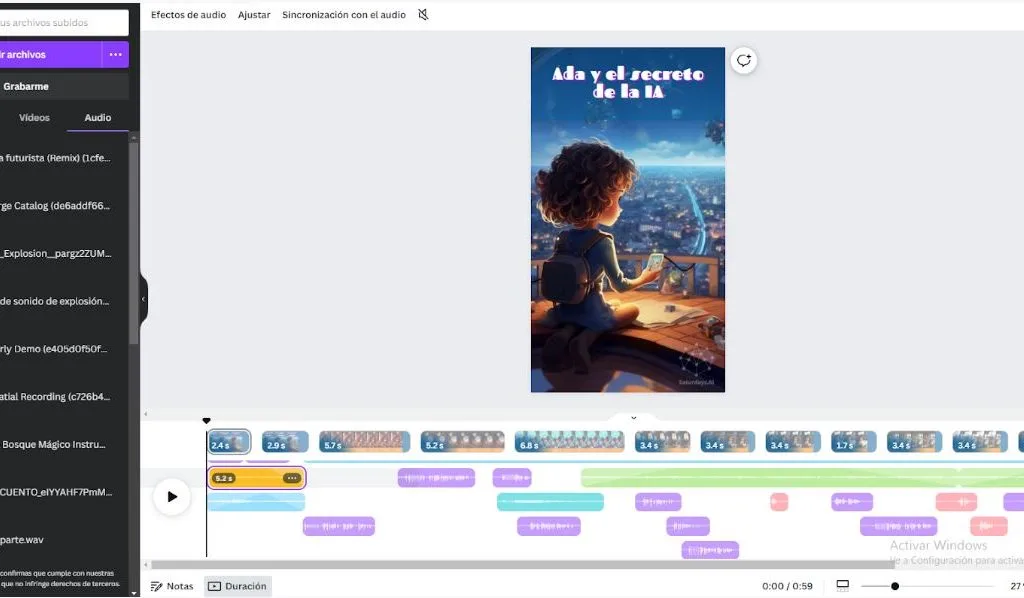
It's just a matter of adjusting voices, but don't worry, I know we're tired at this point, so a little help wouldn't hurt... and for that we have Canva's AI. By right clicking on the audio, several editing options appear, we just have to click on synchronize the rhythm, activate the box and that's it! Easy right?
We finally have our story created!
I know we have traveled a path full of details and magical AI tools. But, if you are one of those who prefer to have a panoramic view before diving into the depths, I have something for you! Below, I present a simplified diagram that summarizes the essential steps to create a children's story with the help of artificial intelligence:
Of course! Here is a simplified diagram of the steps to follow:
1st Conceptualization with ChatGPT
First of all, define your main idea. Then contextualize and ask ChatGPT about the plot and characters.
click here
2º Detail with ChatGPT
The time has come to request characters, settings and dialogues from chatGPT. Finish by refining the plot and structure of the story.
click here
3rd Visualization with MidJourney
Use MidJourney to search and select images based on prompts. Don't forget to ask chatGPT for prompts!
click here
4th Design with Canva
First choose a suitable template and add the images and text. Customize with fonts, colors and effects!
click here
5th Sounding with Genny
Select the tone and style of voice for each character. And then just enter the text and Genny will do it all. Add sound effects if necessary!
click here
Publish and share!
Once your story is complete, it's ready to be shared with the world!
click here
We have navigated together a journey that combines the magic of narrative with the precision of technology. Through this process, we have seen how artificial intelligence can be an invaluable ally in content creation, transforming a simple idea into a vibrant and visually captivating story.
The scheme I presented to you is a roadmap, a path that you can follow and adapt according to your needs. But beyond the steps and tools, what really matters is the passion and creativity you bring. AI is just a tool; the heart of the story will always come from you.
So whether you're looking to create a short story, a graphic novel, or any other creative project, remember that in this digital age, the possibilities are endless. So go ahead, take the leap, experiment, and let AI be with you on your next creative adventure!
Dare to try these tools and share your results with us!
Ada and the Secret of AI
We recommend you see our finished story published in YouTube shorts!
To help you with your inspiration we leave you browsing our publications.
More about Artificial Intelligence
The mission of Saturdays.ai is to make artificial intelligence more accessible #ai4all through intensive courses and programs where projects for the good are carried out #ai4good. We also carry out projects and consulting for organizations that want to get the most out of AI.
If like us you like technology, become a premium member of Saturdays and you will be able to take advantage of all the benefits of a leading community in Artificial Intelligence: https://saturdays.ai/become-a-member
On our website you have free online courses and content to help you, as well as a community of passionate people like you, we are waiting for you!
A history of the Saturdays.AI community. Originally published on Oct 31, 2023.
← More community stories